THE GADGET IN MIND TAKE
A useful candidate for basic office work if HDMI and a tilt stand meet your needs. Budget for positioning as well as the display itself.
Consider it for
Small desks and everyday productivity setups using a straightforward HDMI connection.
Look elsewhere for
Users needing a height-adjustable stand, USB-C docking or higher-resolution workspace.
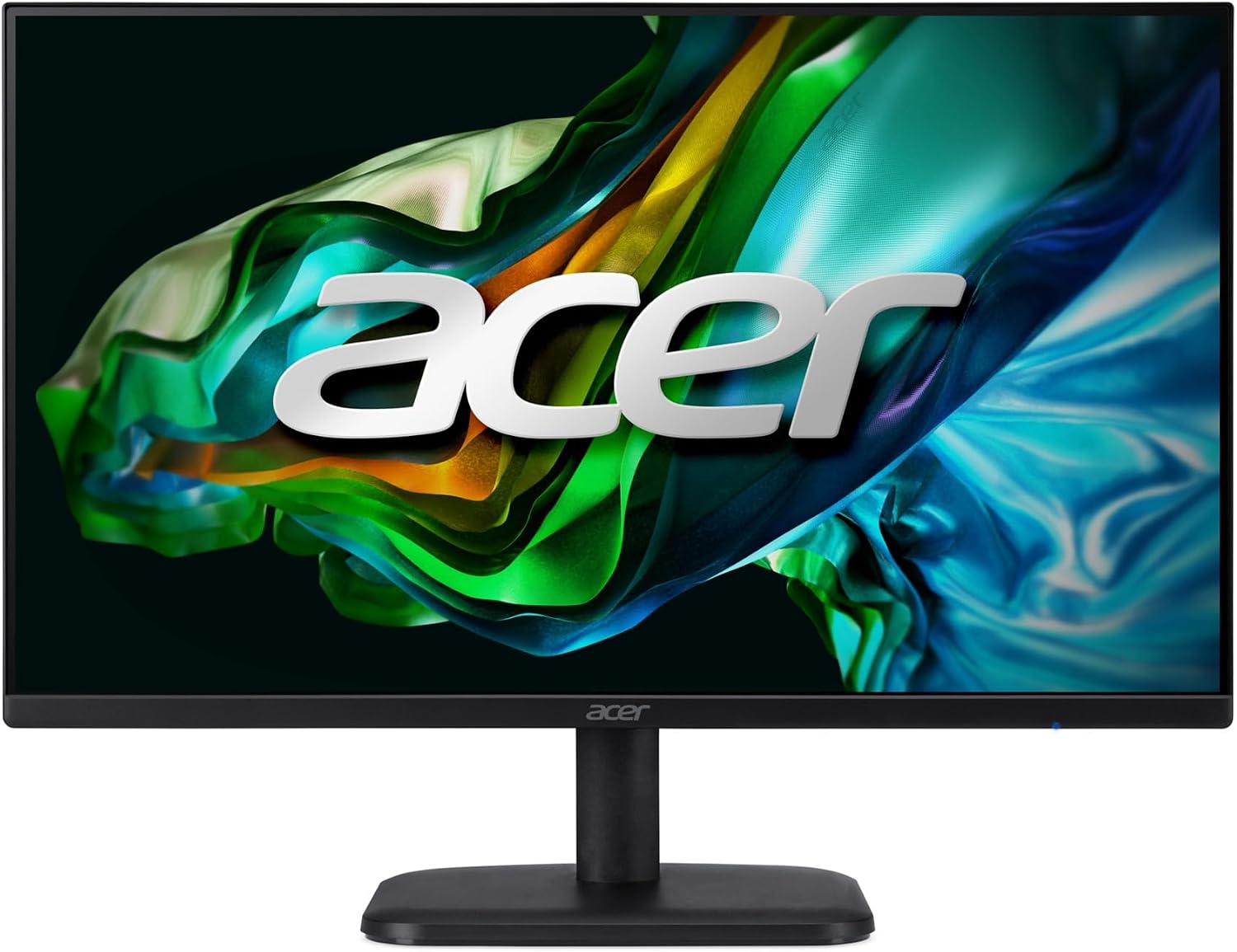
Acer’s US specification page identifies EK241Y Gbi / UM.QE1AA.G05. Confirm that the Canadian seller ships the same regional configuration and included accessories.
THE USEFUL DETAILS
Key specifications
- Size / resolution
- 23.8-inch, 1920 × 1080
- Panel
- IPS
- Refresh rate
- Up to 120Hz via HDMI
- Video inputs
- 1 × HDMI, 1 × VGA
- Stand / mounting
- Tilt only; 100 × 100mm VESA
- Manufacturer part
- UM.QE1AA.G05
Manufacturer platform features and exact seller configurations are different things. “Supplied listing” identifies details taken from the title supplied to us.
Reasons to consider
- IPS panel in a compact FHD format
- 120Hz specification over HDMI
- Standard VESA mounting option
Trade-offs to weigh
- No stand height adjustment or pivot
- No USB-C docking capability documented
- VGA does not provide the listed maximum 120Hz mode
THE OFFICE PERSPECTIVE
A clear, modest role
The EK241Y Gbi fits a straightforward brief: add a compact screen for ordinary work without buying a docking display. Our judgement is that the computer connection and screen position matter more here than the gaming language in the retailer title.
Check the refresh-rate path
Acer documents the 120Hz maximum through HDMI, while the VGA specification is lower. To use the higher setting, the computer, cable and operating-system setting all need to support it. The manufacturer’s 1ms VRB specification is not a hands-on response-time measurement by this site.
Allow for the stand
The documented stand tilts but does not adjust in height or pivot. Decide whether the fixed position works on the intended desk, or compare the combined cost with a suitable arm. We have not tested image uniformity, text rendering, colour accuracy or long-session comfort, so this remains a specification-based shortlist assessment.
BEFORE YOU BUY
Three checks worth making.
- Match the seller’s part number to UM.QE1AA.G05
- Confirm Canadian warranty and included HDMI cable
- Plan screen height and use HDMI for the 120Hz mode
Affiliate link · We may earn a commission at no additional cost to you.
View on Amazon.caCheck current price, seller, configuration and availability on Amazon. Opens a new tab.
CHECK OUR WORK
Sources & review limits
Model and platform facts are drawn from the references below. Workload suitability and purchasing priorities are our editorial inferences.
- Acer — EK241Y Gbi, part UM.QE1AA.G05 ↗Manufacturer documentation · consulted 21 Oct 2026
The retailer reference is Amazon.ca ASIN B0F79PCTVG. Direct listing access was blocked during research; indexed details, where available, are not a substitute for the current seller offer. We have not verified current pricing, stock, seller identity or service eligibility.
No benchmark, star rating, customer quote or hands-on result has been invented. Read the full review method.