THE GADGET IN MIND TAKE
A practical single-computer option when its layout and mouse shape fit the user. Compare with the MK540 before standardizing shared desks.
Consider it for
Right-handed users wanting a full-size keyboard and a straightforward USB receiver setup.
Look elsewhere for
Left-handed mouse users or frequent Bluetooth switching between devices.
Confirm the exact regional keyboard layout and receiver supplied with the current offer. A small receiver does not automatically mean compatibility with Logitech Unifying or Logi Bolt.
THE USEFUL DETAILS
Key specifications
- Keyboard
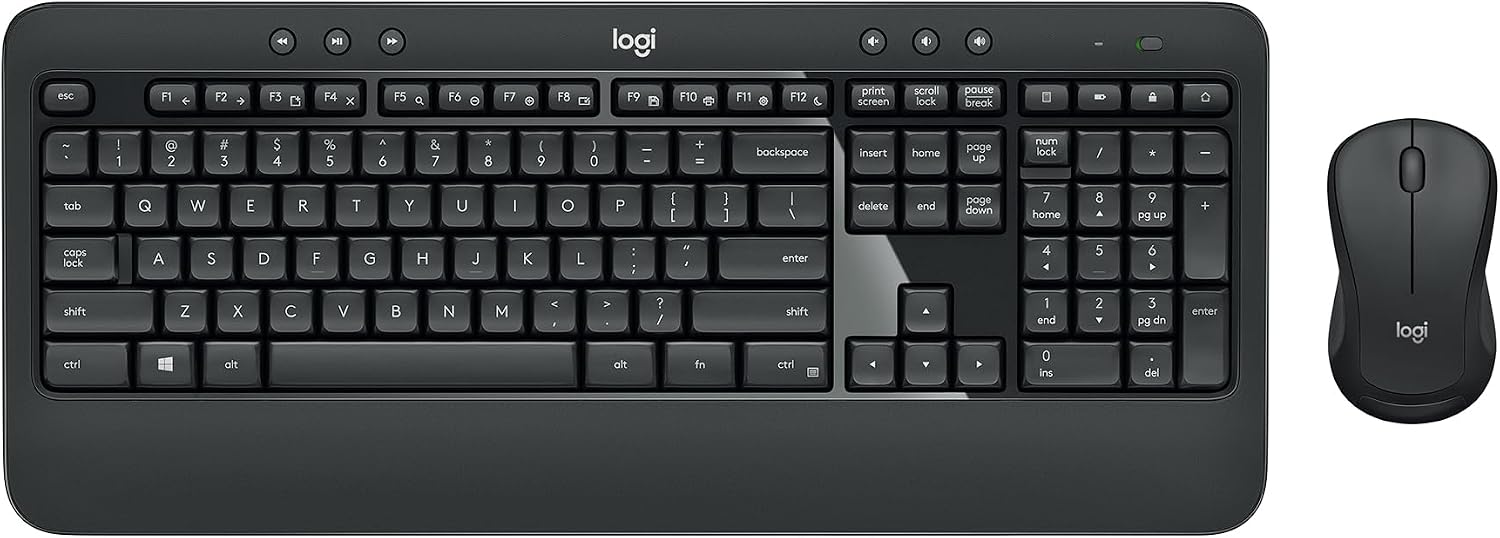
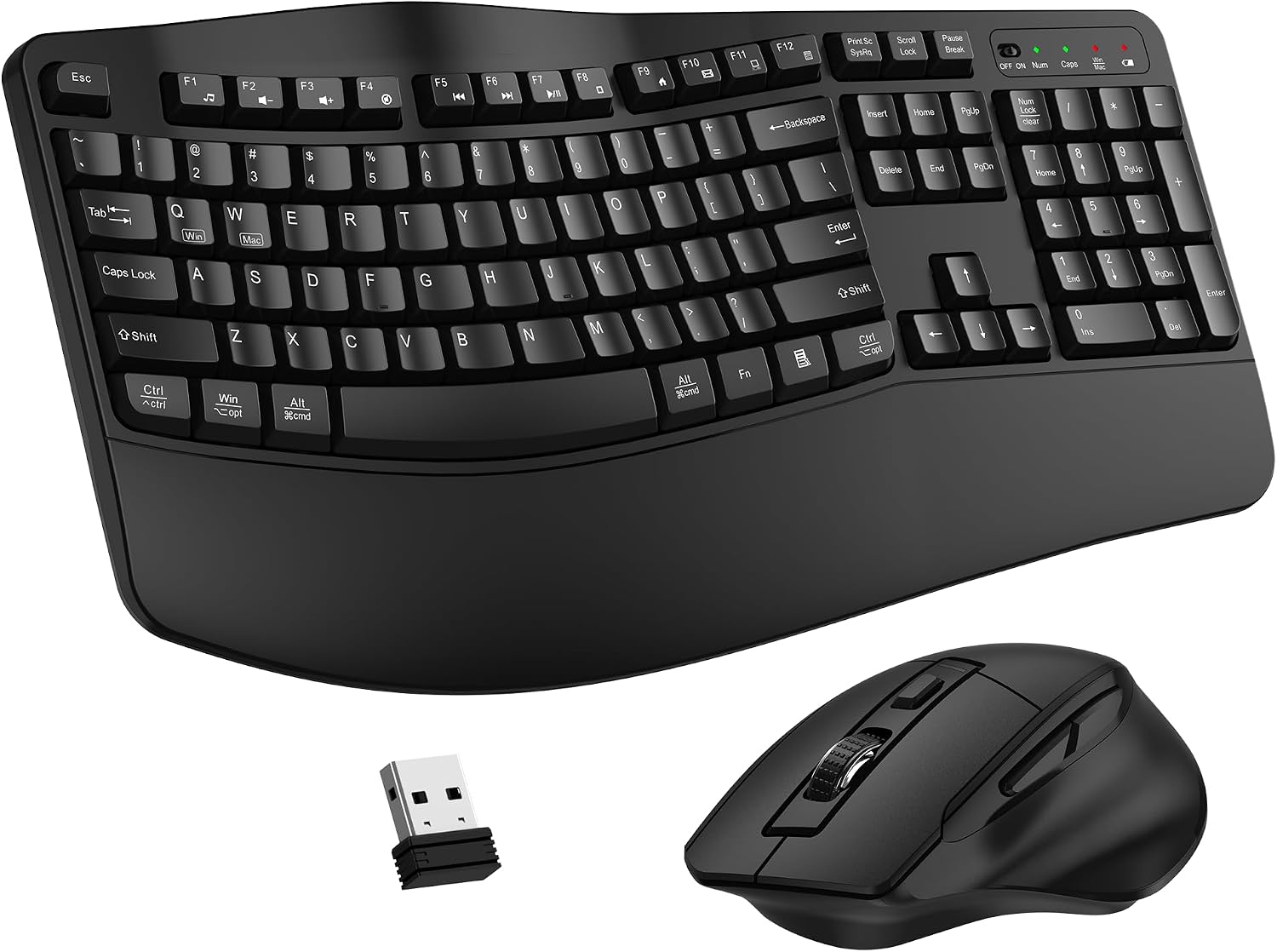
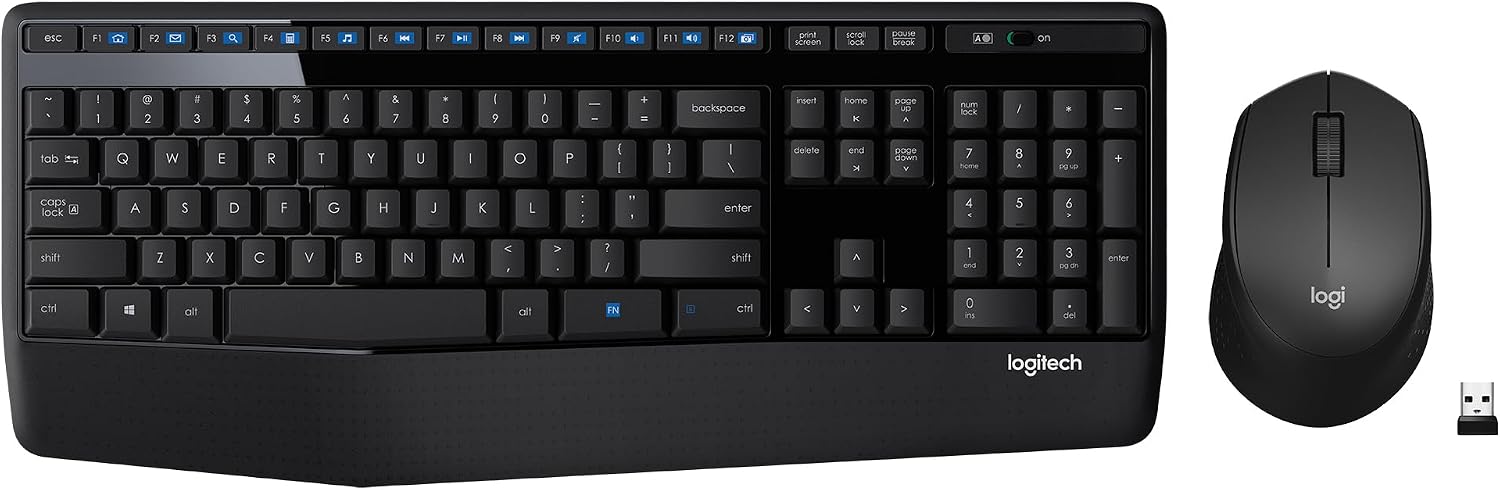
- Full-size with palm rest and number pad
- Mouse
- Contoured right-handed design
- Connection
- 2.4GHz USB-A nano receiver
- Bluetooth
- No
- Use case
- Single-computer desktop setup
- Power
- Replaceable batteries
Manufacturer platform features and exact seller configurations are different things. “Supplied listing” identifies details taken from the title supplied to us.
Reasons to consider
- Number pad and integrated palm rest
- One receiver for keyboard and mouse
- A straightforward conventional layout
Trade-offs to weigh
- Right-handed mouse is less suitable for a mixed shared desk
- No Bluetooth device switching
- Full-size width may be unnecessary for some users
THE OFFICE PERSPECTIVE
A clear, conventional option
The MK345 suits a simple brief: connect one keyboard and mouse to one computer. Our assessment is that the number pad and familiar arrangement make it worth considering for routine desktop work, provided the user wants a full-size keyboard.
The mouse is the deciding difference
Unlike the symmetrical mouse described with the MK540, this set uses a contoured right-handed design. That may suit an assigned desk, but deserves attention in a shared workspace. A product name containing “comfort” is not a substitute for trying the shape.
Plan for the receiver
Check the actual receiver type and the replacement process. Also confirm that a USB-A connection remains available on the laptop or dock. Gadget in Mind has not measured wireless reliability, noise, key feel or battery life. Those remain points for a small trial before ordering several sets.
BEFORE YOU BUY
Three checks worth making.
- Confirm the right-handed mouse suits the user
- Verify language layout, receiver type and replacement route
- Check available USB-A connectivity
Affiliate link · We may earn a commission at no additional cost to you.
View on Amazon.caCheck current price, seller, configuration and availability on Amazon. Opens a new tab.
CHECK OUR WORK
Sources & review limits
Model and platform facts are drawn from the references below. Workload suitability and purchasing priorities are our editorial inferences.
- Logitech — MK345 Comfort ↗Manufacturer documentation · consulted 21 Oct 2026
The retailer reference is Amazon.ca ASIN B00QXT5T3U. Direct listing access was blocked during research; indexed details, where available, are not a substitute for the current seller offer. We have not verified current pricing, stock, seller identity or service eligibility.
No benchmark, star rating, customer quote or hands-on result has been invented. Read the full review method.