THE GADGET IN MIND TAKE
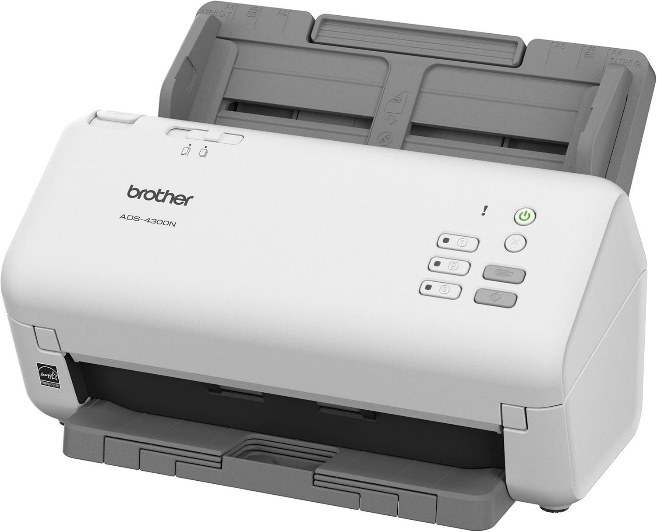
A strong specification-based candidate when wired sharing and application integration matter more than touchscreen convenience.
Consider it for
Workgroups using Ethernet and business software with compatible capture drivers.
Look elsewhere for
Buyers expecting built-in Wi-Fi or a large touchscreen interface.
Brother Canada documents this model’s network features and driver support. Confirm driver availability for your exact operating system and application; a supported standard is not universal software certification.
THE USEFUL DETAILS
Key specifications
- Rated scan speed
- Up to 40ppm, single-pass two-sided scanning
- Feeder
- Up to 80 pages
- Connection
- Ethernet + USB
- Driver support
- TWAIN, WIA, ISIS, SANE
- Primary role
- Business workgroups
- Wireless
- No built-in Wi-Fi
Manufacturer platform features and exact seller configurations are different things. “Supplied listing” identifies details taken from the title supplied to us.
Reasons to consider
- Wired network sharing
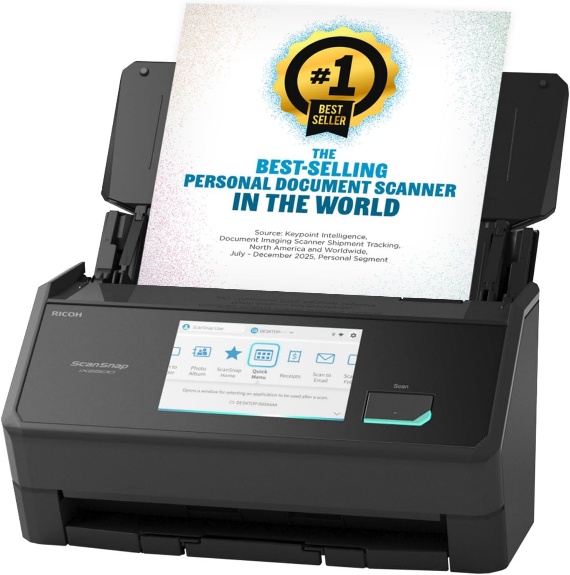
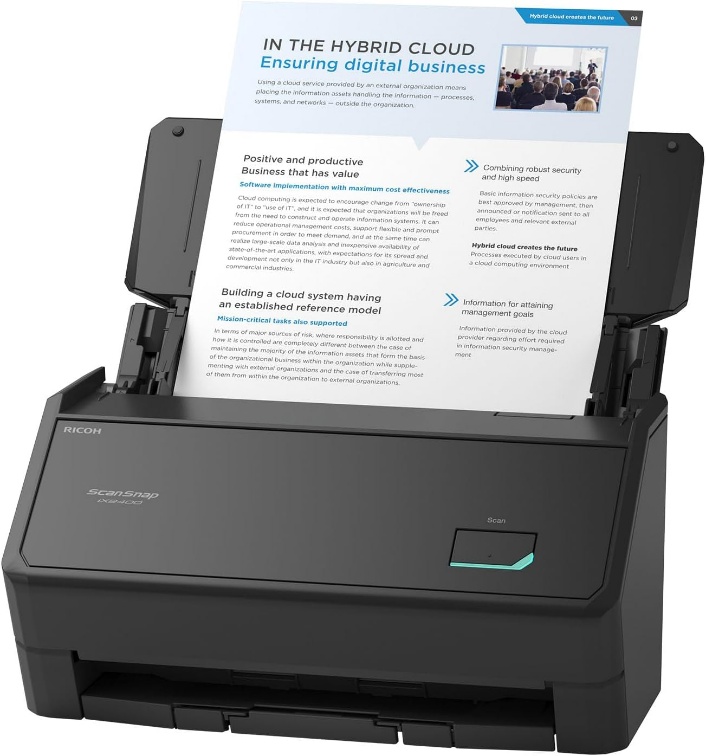
- Broader capture-driver support than the ScanSnap models
- Published device-management features for office deployment
Trade-offs to weigh
- No built-in wireless connection
- Smaller rated feeder than the two ScanSnap models
- Network destinations and permissions require configuration
THE OFFICE PERSPECTIVE
A workflow-led choice
The ADS-4300N is worth examining when a scanner has to fit the office’s existing software and network. Brother documents Ethernet plus TWAIN, WIA, ISIS and SANE support. Our assessment is that these integration options can matter more than the five-page-per-minute difference from the ScanSnap ratings.
Plan the shared destinations
Decide who should be able to scan and where documents should land. A shared scanner still needs appropriate folder permissions, credentials, maintenance and an owner for failed jobs. Validate the required scan-to destination with the current firmware and your environment before a broad rollout.
Test an entire job
A throughput number does not include removing staples, checking document order or correcting indexing. We have not tested this scanner’s feeding, image quality or OCR accuracy. A useful pilot should include thin receipts, duplex forms and the actual capture application, rather than a single clean page.
BEFORE YOU BUY
Three checks worth making.
- Verify the required driver for your application and OS
- Plan Ethernet, destination access and device administration
- Confirm Canadian warranty, consumables and service route
Affiliate link · We may earn a commission at no additional cost to you.
View on Amazon.caCheck current price, seller, configuration and availability on Amazon. Opens a new tab.
CHECK OUR WORK
Sources & review limits
Model and platform facts are drawn from the references below. Workload suitability and purchasing priorities are our editorial inferences.
- Brother Canada — ADS-4300N ↗Manufacturer documentation · consulted 21 Oct 2026
The retailer reference is Amazon.ca ASIN B09TRWDQM4. Direct listing access was blocked during research; indexed details, where available, are not a substitute for the current seller offer. We have not verified current pricing, stock, seller identity or service eligibility.
No benchmark, star rating, customer quote or hands-on result has been invented. Read the full review method.