THE GADGET IN MIND TAKE
Consider when the adjustable display or integrated wireless features solve a real desk requirement. Provider support still comes first.
Consider it for
Assigned desks that benefit from screen adjustment or a supported wireless connection.
Look elsewhere for
Buyers who need guaranteed compatibility with an unverified calling platform or headset.
Built-in Wi-Fi carries network data, not power. Confirm a suitable power source when using Wi-Fi without a PoE Ethernet connection, and check the seller’s accessory bundle.
THE USEFUL DETAILS
Key specifications
- Display
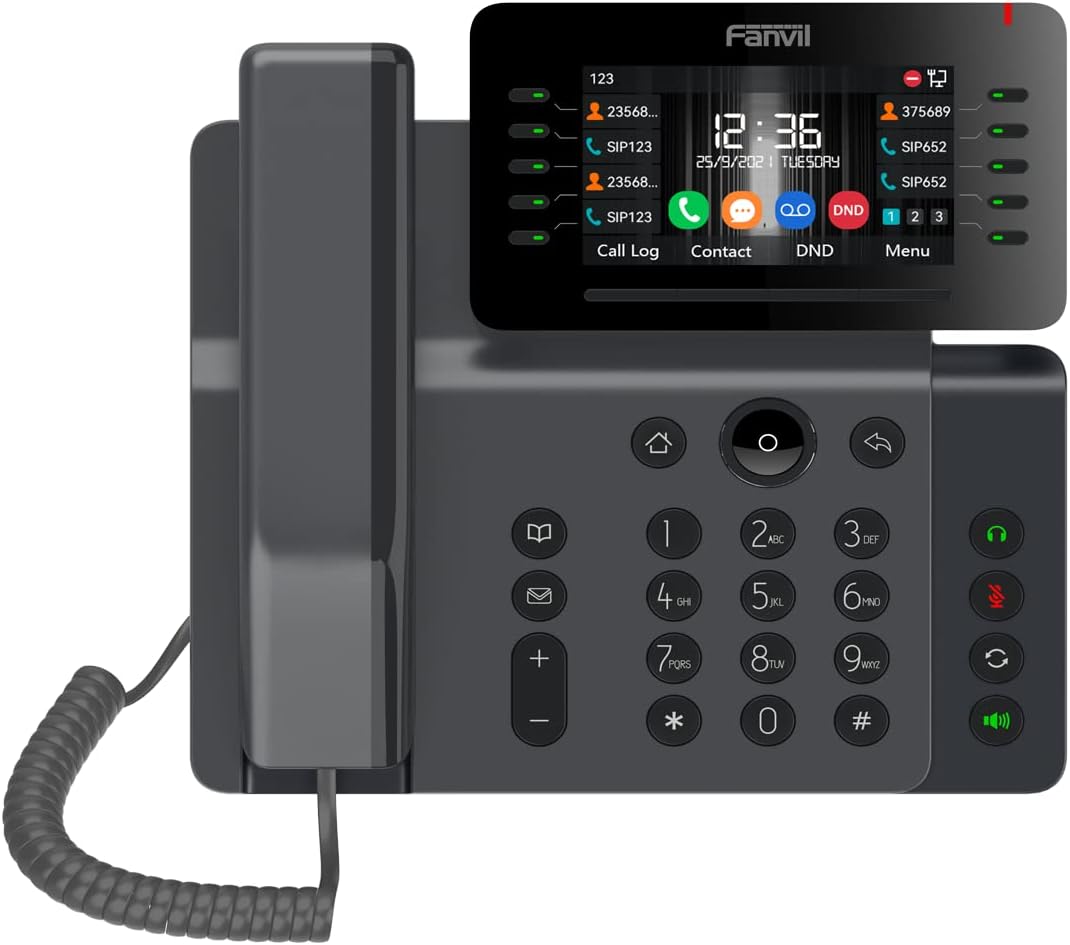
- 4.3-inch adjustable colour screen
- Wi-Fi
- Built-in 2.4 / 5GHz
- Bluetooth
- Built-in Bluetooth 4.2
- Network
- Gigabit Ethernet
- Power
- PoE supported; confirm adapter bundle
- Service
- Compatible SIP service / PBX required
Manufacturer platform features and exact seller configurations are different things. “Supplied listing” identifies details taken from the title supplied to us.
Reasons to consider
- Adjustable display
- Integrated Bluetooth and dual-band Wi-Fi
- Useful alternative to adding wireless dongles
Trade-offs to weigh
- Wireless use still needs a power connection
- Headset compatibility needs model-specific checks
- Extra features may add little to a basic calling desk
THE OFFICE PERSPECTIVE
Match the features to the desk
The V65’s adjustable display and integrated wireless features are the clearest reasons to consider it. Our assessment is that these can be useful when the desk position or headset workflow demands them, rather than as a general reason to replace a simpler handset.
Wireless does not remove power planning
A phone using Wi-Fi still needs power. Establish whether a power adapter is included, or whether a compatible PoE connection will be available. Also check network policy and voice coverage before relying on wireless calling.
Verify the full calling experience
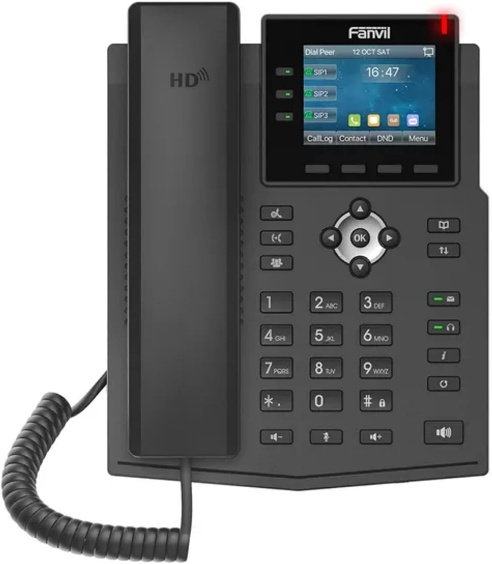
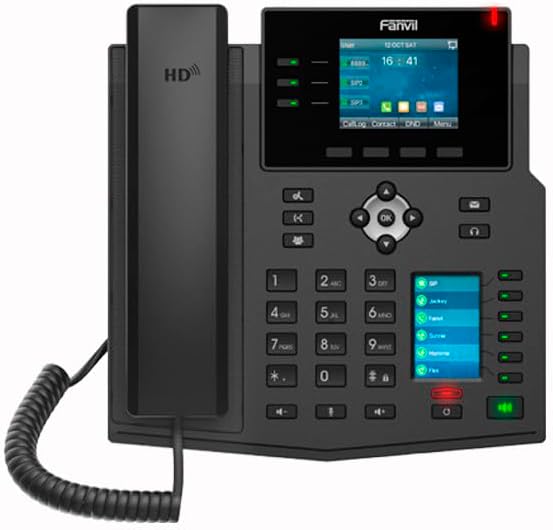
Provider provisioning, firmware and headset support determine the functions available in practice. We have not measured audio, wireless stability or screen readability. Trial the intended transfer, voicemail and headset workflow, then compare the total installed cost with the X4U V2 and X3U Pro.
BEFORE YOU BUY
Three checks worth making.
- Confirm provider and headset support for V65
- Check adapter bundle and power plan for Wi-Fi use
- Pilot the actual wired or wireless desk setup
Affiliate link · We may earn a commission at no additional cost to you.
View on Amazon.caCheck current price, seller, configuration and availability on Amazon. Opens a new tab.
CHECK OUR WORK
Sources & review limits
Model and platform facts are drawn from the references below. Workload suitability and purchasing priorities are our editorial inferences.
- Fanvil — V65 ↗Manufacturer documentation · consulted 21 Oct 2026
The retailer reference is Amazon.ca ASIN B0BSMRLB9Z. Direct listing access was blocked during research; indexed details, where available, are not a substitute for the current seller offer. We have not verified current pricing, stock, seller identity or service eligibility.
No benchmark, star rating, customer quote or hands-on result has been invented. Read the full review method.